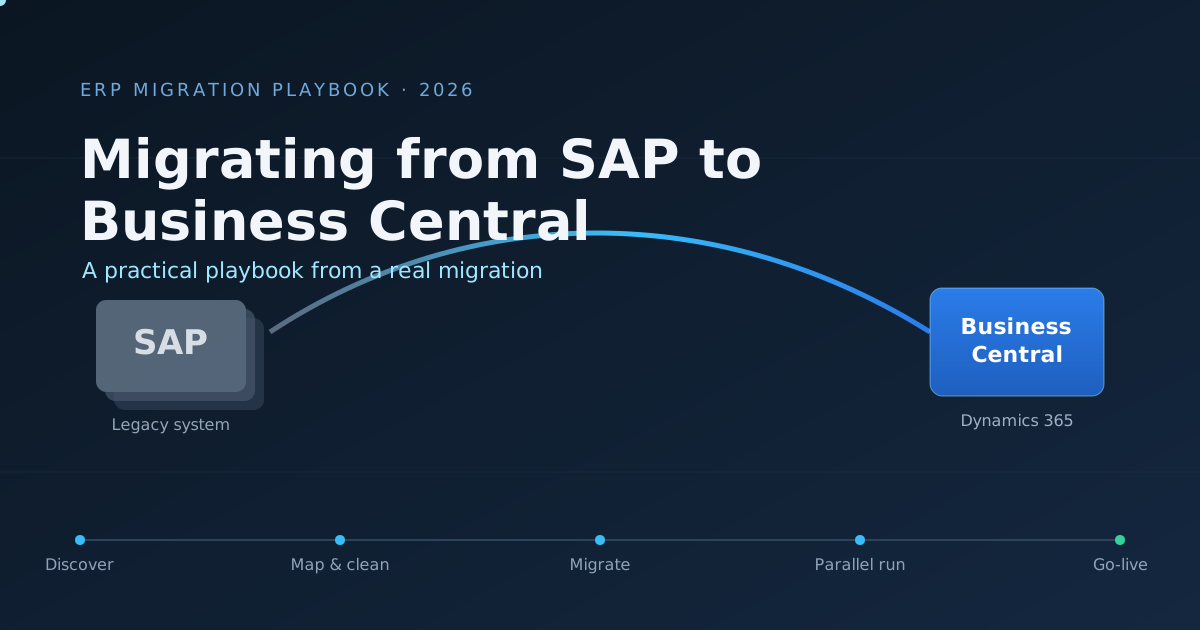
Replacing the system that runs your finance, inventory, and operations is one of the highest-stakes projects an IT team can take on. There is no soft launch. On cutover day the old system goes quiet and the new one carries the whole business. I have led this exact move, from SAP to Microsoft Dynamics 365 Business Central, and this is the playbook I would hand to anyone about to start.
This guide is written for IT managers, finance leads, and solution architects planning or running an ERP migration. It is not a sales pitch for Business Central. It is an honest account of what the work actually involves, where projects go wrong, and how to give yourself the best chance of a calm go-live.
Why Companies Move from SAP to Business Central
People rarely migrate because the old system stopped working. They migrate because the cost, complexity, or rigidity of the old setup stopped matching the size of the business.
The common drivers I have seen:
- Cost. SAP licensing, hosting, and the specialist consultants needed to change anything add up fast. For a small or mid-sized company, the total cost of ownership often outgrows the value being delivered.
- Complexity. Many businesses run a fraction of what SAP can do, but carry all of the overhead. Simple changes require a change request, a consultant, and a wait.
- The Microsoft ecosystem. If a company already lives in Microsoft 365, Teams, and Power BI, Business Central sits naturally inside that world. Single sign-on, native Excel and Power BI connectivity, and a familiar interface lower the training burden.
- Customisation you can own. Business Central extensions are written in AL and version safely on top of the base application. You can build what you need in-house instead of depending entirely on outside consultants.
Be honest about your real reason before you start. It shapes every decision that follows.
Is Business Central the Right Target? An Honest Check
Business Central is an excellent fit for many businesses, but not all. Run this check before committing.
| Business Central fits well when | Reconsider when |
|---|---|
| You are a small to mid-sized company | You run very high transaction volumes across many entities |
| Your processes are standard or close to it | You depend on deeply industry-specific SAP modules |
| You already use Microsoft 365 and Power BI | You have heavy investment in the wider SAP ecosystem |
| You want to own and extend the system in-house | You require capabilities only S/4HANA-class platforms provide |
| You value lower total cost of ownership | Your finance team needs functionality BC does not cover natively |
If most of your answers land on the left, Business Central is a strong choice. If several land on the right, do the gap analysis carefully before going further.
Build the Right Team First
A migration is not an IT project with finance attached. It is a business project that IT leads. Get the right people involved from day one.
- Project lead. Owns the timeline, the scope, and the decisions. Usually IT, but with full backing from leadership.
- Finance owner. The single most important non-IT role. The chart of accounts, posting rules, tax setup, and reconciliation all live here. Without an engaged finance lead, the project stalls.
- Process owners. One person per major area: sales, purchasing, inventory, warehouse. They confirm how things actually work today, not how the manual says they should.
- Technical implementer. Configures Business Central, builds extensions in AL, and handles the data migration mechanics.
- Power users for testing. The people who will use the system every day. They find the problems no one else does.
Name these people before you touch any data. A migration without clear owners drifts, and drift on an ERP project is expensive.
Phase 1: Discovery and Scoping
You cannot migrate what you have not mapped. Spend real time here, because everything downstream depends on it.
Document the current state of SAP as it is used, not as it was designed:
- Which modules are actually in use, and which are dead weight
- Every integration in and out of SAP, including the spreadsheets people quietly rely on
- Every report and dashboard finance and operations depend on
- Custom developments and the business logic behind them
- Open transactions, recurring entries, and period-end routines
The hardest part of scoping is deciding what not to bring across. Every legacy quirk you carry forward is a quirk you maintain forever. A migration is the one clean chance you get to leave bad habits behind. Use it.
Phase 2: Data Mapping, the Part That Decides Everything
This is where migrations are won or lost. SAP and Business Central structure data differently, and the mapping between them is detailed, unglamorous work that cannot be rushed.
Approach it master record by master record:
- Customers and vendors. Map every field, then decide which are required, optional, or dropped. Watch for SAP fields with no Business Central equivalent and decide where that data goes.
- Items and inventory. Item numbers, units of measure, costing methods, and item categories all need a clean target. Costing method in particular must be agreed with finance before a single item is loaded.
- Chart of accounts. Treat this as its own workstream. See the next section.
- Open balances. Open customer invoices, vendor bills, and bank balances must reconcile exactly to the cent against SAP on cutover day.
Build the mapping in a spreadsheet that becomes the single source of truth for the project. Source field, target field, transformation rule, owner, and status. Every disagreement about data gets resolved in that sheet, in writing.
Phase 3: Chart of Accounts and Master Data
The chart of accounts deserves special care because it shapes every report finance will ever run in the new system. A migration is the right moment to clean it up, but cleanup and migration at the same time multiply the risk. Agree the new structure with finance first, freeze it, then map the old accounts into it.
For all master data, run a quality pass before migration, never after:
- Remove duplicates, especially customers and vendors entered twice over the years
- Standardise formats for codes, names, and addresses
- Fill or formally retire incomplete records
- Decide how far back history needs to come across
Migrating dirty data faithfully just gives you a clean copy of a mess. Clean at the source.
Phase 4: Configuration and Customisation
Configure Business Central to match your agreed processes: company information, posting groups, number series, dimensions, approval workflows, and user permissions. Dimensions in particular reward careful thought, because they replace a lot of what companies used to do with sprawling account structures and give you far more flexible reporting.
When you reach the gaps, where Business Central does not do something the way the business needs, resist the urge to customise first. Work through this order:
- Change the process. Often the standard Business Central way is simply better, and the old process only existed because the old system forced it.
- Configure it. A surprising amount can be handled through setup alone.
- Use an app. Microsoft AppSource has well-supported extensions for many common gaps.
- Build an extension. Only when the first three fail, build it in AL as a proper extension on top of the base application.
The discipline of that order is what keeps an implementation maintainable. Every line of custom code is a line you own through every future upgrade.
Phase 5: The Data Migration Itself
With mapping agreed and configuration in place, the mechanical migration is comparatively straightforward. Business Central provides configuration packages, sometimes called RapidStart, which let you load master data and opening balances from structured Excel templates.
A reliable sequence:
- Export the source data from SAP.
- Transform it to match the Business Central templates, applying the rules from your mapping sheet.
- Validate every file before import. Check required fields, valid codes, and referential integrity, for example that every item on an open order actually exists.
- Import master data first, in dependency order, then opening balances.
- Reconcile after every load. Do not move to the next step until the current one ties out.
Run the full migration into a sandbox at least twice before the real thing. The first run finds the obvious problems. The second proves you have fixed them and gives you a trustworthy time estimate for cutover night.
Phase 6: Testing and Parallel Running
Testing an ERP is not clicking through screens. It is proving that real business processes produce correct results end to end.
- Process testing. Walk a sales order from quote to invoice to payment. Walk a purchase from requisition to receipt to vendor payment. Run a full period close.
- User acceptance testing. Hand the system to the power users with realistic scenarios and let them try to break it. They will, and you want that to happen now rather than in week one of go-live.
- Reconciliation testing. Prove that balances, totals, and key reports in Business Central match SAP for the same period.
Where the budget and timeline allow, run both systems in parallel for one full period. Enter the same transactions in both and reconcile the results. It is demanding work, but a clean parallel run is the strongest confidence you can have before cutover.
Phase 7: Cutover and Go-Live
Cutover is a tightly choreographed event, not a working day. Write the runbook in advance, hour by hour, with an owner against every step and a clear point of no return.
A typical cutover covers:
- Freeze new transactions in SAP at an agreed cutoff
- Final export of open items and closing balances
- Final transform, load, and reconciliation into Business Central
- Sign-off from the finance owner that balances tie out exactly
- Switch integrations over to the new endpoints
- Open Business Central to users
Decide your rollback position before you begin. In practice, ERP rollbacks are painful and rarely used once cutover starts, which is exactly why the parallel run and the rehearsed sandbox migrations matter so much. You earn the confidence to commit by doing the work beforehand.
Phase 8: Hypercare, the Weeks After Go-Live
The project is not finished when users log in. The first two to four weeks are hypercare, when the team stays close and responsive.
- Staff a clear support channel and answer fast. Early frustration sets the tone for adoption.
- Watch the first period close especially carefully. It is the first time the whole finance cycle runs for real.
- Keep a log of every issue and fix. Patterns in that log tell you where training or configuration still needs work.
- Hold the urge to add new features. Stabilise first, enhance later.
Common Pitfalls
The mistakes that sink migrations are rarely technical. They are human and procedural.
- Underestimating data work. Teams budget for software and forget that data cleansing and mapping is the largest task by far.
- A disengaged finance team. IT cannot decide a chart of accounts or a costing method alone. If finance is not in the room, the project waits.
- Migrating every legacy quirk. Bringing across bad processes because that is how it has always been done wastes the one chance to fix them.
- Skipping the parallel run to save time. It feels like a shortcut. It is the most common reason go-live goes badly.
- Treating training as an afterthought. A perfect system that no one knows how to use is a failed project.
What I Would Tell Anyone Starting Out
Map your data before you fall in love with the new software. Get finance in the room on day one and keep them there. Decide early what you will deliberately leave behind. Rehearse the migration until it is boring. And do not skip the parallel run, however tight the timeline feels.
A migration from SAP to Business Central is a serious undertaking, but it is a solved problem when you respect the sequence. The companies that struggle are almost always the ones that rushed the unglamorous middle. The ones that succeed treat the boring parts, mapping, cleansing, rehearsing, reconciling, as the real work, because they are.
Start with a clear scope, build the right team, and do the data work properly. Everything else follows from there.